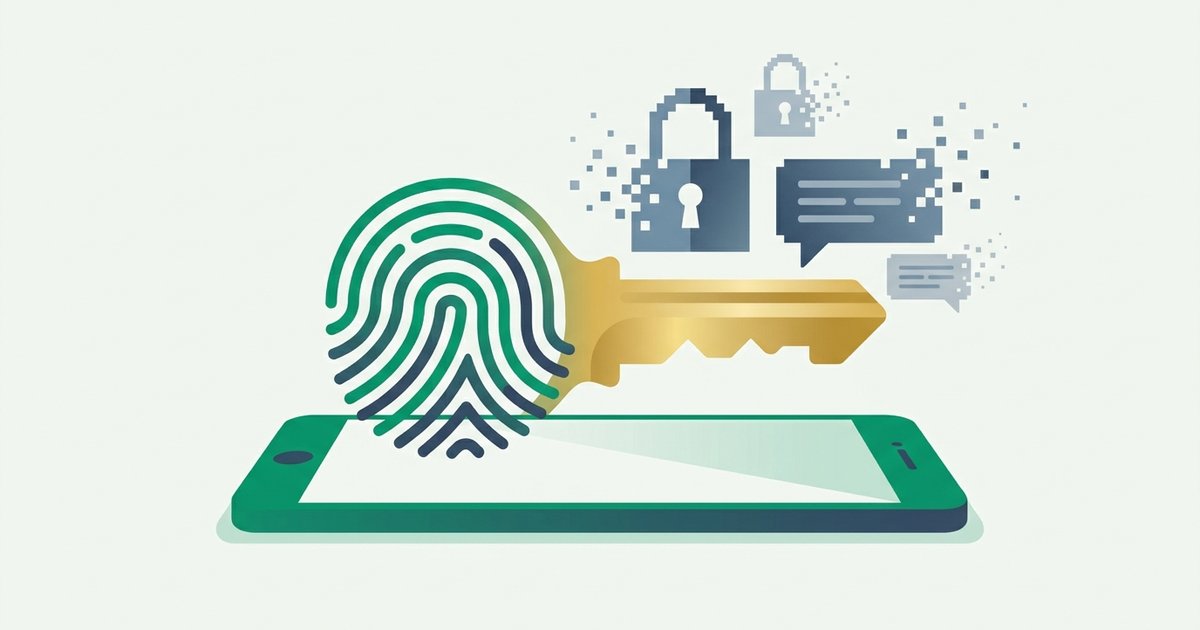
The password has been declared dead so many times that the obituary is a genre of its own. Bill Gates predicted its demise in 2004. Yet here we are in 2026, and something has genuinely changed: for the first time, the replacement - Passkeys - Ships by default on every major operating system, browser, and phone, and some of the world's largest login systems now treat passwords as the fallback rather than the norm.
This guide explains what a passkey actually is under the hood, why it defeats attacks that two-factor codes can't, and an honest picture of where adoption stands - Including the rough edges.
What a passkey actually is
A passkey is a cryptographic key pair generated by your device for one specific website. The private key stays on your device (or syncs, encrypted, through your platform account); the website stores only the public key. At login, the site sends a random challenge, your device signs it with the private key after a fingerprint, face scan, or device PIN, and the site verifies the signature with the public half.
That flip - The server never holds a secret - Rewrites the threat model:
- Nothing useful to breach. A stolen database of public keys is worthless. Compare that with breached password hashes, which crackers grind through at billions of guesses per second.
- Nothing to reuse. Every passkey is unique per site by construction. Credential stuffing, the attack powering most account takeovers, simply has no fuel.
- Nothing to phish. The signature includes the website's origin. A passkey created for google.com will not respond to g00gle-login.com, no matter how perfect the fake looks. The user can't be tricked into "typing" it anywhere, because there's nothing to type.
A password is a secret you must keep. A passkey is a signature only you can produce. Attackers steal secrets all day long; forging signatures is another business entirely.
WebAuthn and FIDO2, minus the alphabet soup
The plumbing has two layers. WebAuthn is a W3C browser API that lets a website ask for credential creation or a signed challenge. CTAP (Client to Authenticator Protocol) lets the browser talk to authenticators - Your phone's secure enclave, a Windows Hello TPM, or a USB security key. Together they're branded FIDO2, from the FIDO Alliance, the industry body driving the standard since 2013.
"Passkey" is the consumer-friendly name (popularized when Apple, Google, and Microsoft jointly committed to the standard in 2022) for a FIDO2 credential that can sync across your devices - Through iCloud Keychain, Google Password Manager, or third-party managers like 1Password, Bitwarden, Dashlane, and Proton Pass, all of which now store and sync passkeys. Cross-device login is handled by hybrid transport: scan a QR code with your phone, which then talks to your laptop over Bluetooth proximity to prove you're actually nearby - Another anti-phishing barrier.
Synced vs. device-bound
Synced passkeys trade a little theoretical purity for enormous practicality: lose your phone and your credentials survive in your platform account. Device-bound passkeys (on hardware security keys, for example) never leave the silicon - Preferred for high-security enterprise contexts. For most people, synced is the right default; the recoverability matters more than the edge case.
Where adoption really stands in 2026
The momentum is real. The FIDO Alliance reported passkey awareness climbing steeply year over year, and more than 15 billion online accounts were already passkey-capable by 2024. Amazon, Google, PayPal, TikTok, WhatsApp, GitHub, Shopify, and most major banks' apps support them. Google has said passkey sign-ins succeed several times more often than password sign-ins and take roughly half the time. Microsoft crossed the symbolic line in May 2025: brand-new Microsoft accounts are passwordless by default, with passkeys and other methods replacing the password entirely.
The honest caveats:
| Reality check | Status in 2026 |
|---|---|
| Big-tech and major-site support | Excellent - Most top consumer services |
| Long-tail website support | Sparse - Millions of sites remain password-only |
| Cross-ecosystem syncing | Improving; import/export between managers finally standardized by FIDO in 2025 |
| Account recovery flows | The weak link - Often falls back to email or SMS |
| Enterprise/legacy app support | Patchy; many internal systems lag years behind |
| User understanding | Growing but shallow; "where is my passkey?" confusion is common |
That middle column is why nobody serious predicts the password's extinction this decade. What's actually happening is demotion: passwords are becoming the backup path rather than the front door.
The recovery problem nobody advertises
Here's the paradox to watch: a site can offer unphishable passkey login, then let anyone reset the account through an emailed link - Which means the account is only as strong as that recovery chain. Attackers go around strong doors, not through them. The same downgrade logic applies to phishing itself; criminals increasingly target recovery flows and support desks instead of login pages, tactics covered in our phishing protection guide.
Practical implications for you:
- Protect the accounts that anchor your recovery chains - Primarily your email - With the strongest factors available, and clean weak fallback methods out of your settings. Our comparison of TOTP and SMS second factors explains which fallbacks to delete first.
- Register a passkey on at least two devices, or use a synced credential manager, so one lost phone isn't a crisis.
- Keep recovery codes offline, exactly as you would for classic 2FA - The discipline from our two-factor authentication setup guide applies unchanged in a passkey world.
What this means for your passwords today
Until the long tail catches up, you'll hold passwords for dozens or hundreds of sites, and every rule about them still applies. Each one should be long, random, and unique - Generated by a proper password generator rather than a human brain. For master passwords and anything you must memorize, a word-based secret from a passphrase generator gives you strength you can actually type. And a good password manager remains the bridge technology: it stores your legacy passwords and your passkeys in one place - Our guide to choosing a password manager covers the options that handle both well.
The endgame isn't dramatic. There will be no password funeral, just a slow quiet shift in which, one login at a time, you stop typing secrets and start approving signatures - Until one day you notice you haven't typed a password in months.
Passkeys usually unlock with your face or fingerprint, so it helps to know how biometric authentication really works and where its limits are.
FAQ
Are passkeys the same thing as biometric login?
No, and the distinction matters. Your fingerprint or face never leaves your device and is never sent to any website - Biometrics only unlock the locally stored private key, exactly as a device PIN can. The website receives a cryptographic signature, not biometric data. If someone else's finger fails, the key simply doesn't sign.
What happens if I lose my phone?
With synced passkeys, nothing is lost: sign in to your platform account (iCloud, Google) or password manager on a new device and your passkeys come back, protected by end-to-end encryption and your account's own recovery process. With a device-bound passkey on a hardware key, you fall back to your registered backup key or the site's recovery flow - Which is why registering two authenticators is standard advice.
Can passkeys be stolen in a data breach?
Not in any useful form. The server stores only your public key, which cannot be reversed into the private key or used to log in. This is the fundamental upgrade over passwords, where every server-side breach hands attackers material they can crack offline and replay across your other accounts.
Should I delete my passwords once I've made passkeys?
Not yet, in most cases - Many sites keep the password active in parallel as a fallback, so deleting your copy just risks locking yourself out of that fallback. Where a service explicitly lets you remove the password entirely (Microsoft accounts do), doing so is a genuine security gain. Everywhere else, keep the password stored in your manager, make sure it's unique and random, and simply stop using it.
Do passkeys replace two-factor authentication?
Effectively, yes - A passkey is multi-factor in a single gesture: something you have (the device holding the key) plus something you are or know (the biometric or PIN that unlocks it). Sites treat a passkey sign-in as satisfying MFA. Phishing-resistance actually makes it stronger than a password-plus-TOTP combination.