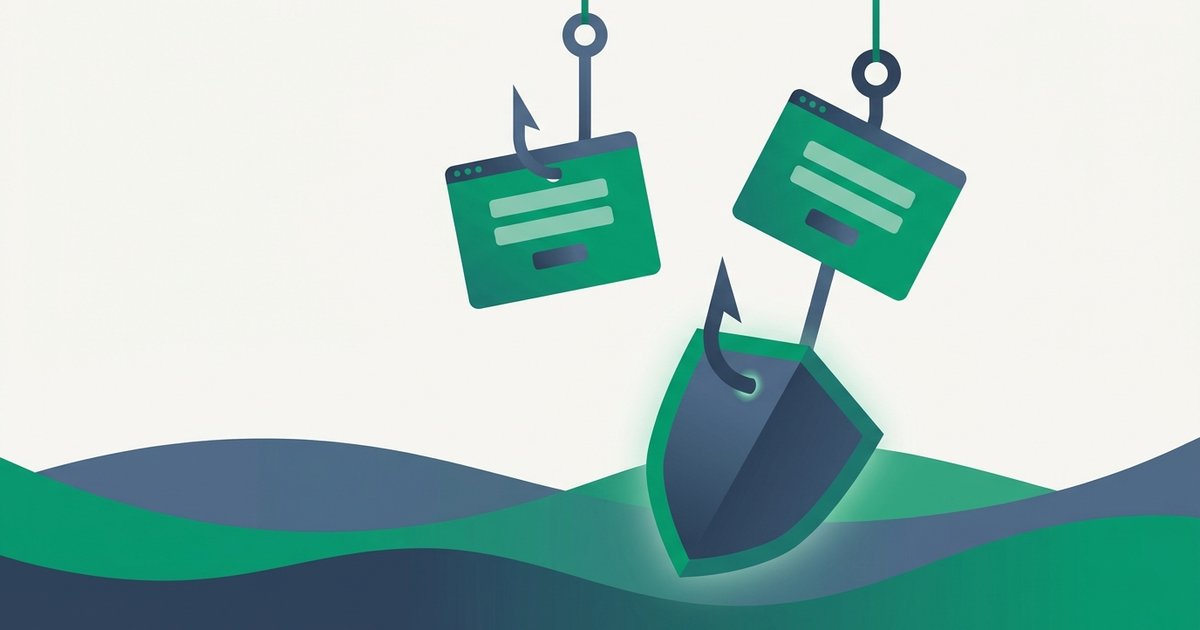
Every guide on this site tells you to make passwords long and random - And none of that matters if you type your password into a fake page yourself. Phishing skips the entire arms race of cracking hardware and hash algorithms. Why spend GPU-years guessing a password when the owner will hand it over in ten seconds?
It works at staggering scale. Phishing has topped the FBI's Internet Crime Complaint Center reports for years as the most-reported cybercrime, and the Anti-Phishing Working Group has tracked record-breaking volumes of phishing sites annually. Verizon's Data Breach Investigations Report adds a humbling detail: in their data, the median time for a user to fall for a phishing email - Click the link and enter data - Is under a minute. This guide is about making sure that minute never happens to you, and about setting up defenses that hold even when it does.
How a phishing attack actually unfolds
The classic sequence has four beats:
- The lure. An email, text ("smishing"), or DM impersonating a brand you trust: your bank, Microsoft, Netflix, your employer's IT desk, a delivery company. Increasingly it's a QR code on a flyer or invoice ("quishing"), which conveniently hides the destination URL from you entirely.
- The pressure. Something is wrong and time is short. Your account will be suspended. A payment failed. A suspicious login needs verification now. Urgency is the active ingredient - It's there to make you act before you inspect.
- The fake page. The link leads to a pixel-perfect clone of a real login screen on a lookalike domain. Modern kits are bought off the shelf, complete with valid HTTPS certificates - That padlock icon proves the connection is encrypted, not that the site is honest.
- The harvest. You type your credentials; they go to the attacker, who often forwards you to the real site afterward so nothing seems amiss. Your password is then used directly, or sold and replayed across other services as credential stuffing fodder.
Spear phishing follows the same script but is personalized - Your name, your boss's name, a project you're actually working on - And AI tooling has made that personalization cheap. The old advice to "watch for bad grammar" is obsolete; today's lures are often flawless.
The red flags that still work
Attackers can fake polish, but some tells are structural and can't be faked away.
Read the domain, not the display text
A link's visible text can say anything; what matters is where it goes. Hover (or long-press on mobile) and read the registered domain - The chunk immediately before the first single /. paypal.com.secure-billing.net is secure-billing.net, not PayPal. microsoft-login.support is not Microsoft. Subdomains in front and paths after are set dressing.
Question the channel, not just the message
The single most reliable habit: never log in through a link that came to you. If your bank emails about a problem, close the email, type the bank's address yourself or use your bookmarked app, and check there. A real issue will be waiting in your account; a phish evaporates.
Notice what's being demanded
Legitimate services don't ask you to "verify" your password by email, don't request one-time codes over the phone, and don't need gift cards for anything, ever. Any request to tell someone a password or 2FA code is a scam by definition - Those secrets are only ever typed into the service itself.
Rule of thumb: urgency is the attack. The more pressure a message applies to act right now, the more certain you can be that slowing down is the correct move.
Why even smart people get caught
Phishing isn't an intelligence test; it's a timing attack on attention. Security researchers fall for well-timed phishes. The dangerous ones arrive when context aligns: a fake DocuSign during a house purchase, a fake HR portal during benefits-enrollment week, a fake delivery notice when you're actually expecting a package. Attackers don't need everyone to fail - They need one person having a busy morning.
That's why the endgame of phishing protection isn't perfect vigilance. It's building a setup where your moment of inattention doesn't cost you the account.
Defenses that work even when you're fooled
| Defense | Stops a phished password? | Stops real-time 2FA relay? |
|---|---|---|
| Strong unique passwords | No - You hand over the real one | No |
| SMS one-time codes | Yes, for replay later | No - Codes can be proxied live |
| Authenticator app (TOTP) | Yes, for replay later | No - Codes can be proxied live |
| Password manager domain-matching | Usually - Refuses to autofill on fakes | Indirectly |
| Passkeys / hardware security keys | Yes | Yes - Cryptographically bound to the real domain |
Three layers deserve special attention.
A password manager as a phishing detector. Your manager autofills credentials only on the exact domain where they were saved. When you land on rnicrosoft-login.com and the autofill stays silent, that silence is an alarm. This is a strong practical argument for storing every login in a manager and generating each one fresh with a password generator - A unique random password also means a successful phish compromises exactly one account instead of many.
Two-factor authentication - With eyes open. Any second factor defeats the huge volume of attacks that harvest passwords for later use. But be aware of the limit: modern adversary-in-the-middle kits like Evilginx sit between you and the real site, relaying your password and your one-time code within the 30-second validity window, then stealing the session. TOTP from an authenticator is still meaningfully better than SMS - The trade-offs are covered in TOTP vs SMS 2FA, and you can see exactly how the rolling codes work with our 2FA code generator. Just don't treat any code-based factor as phishing-proof.
Passkeys and security keys - The actual endgame. FIDO2 credentials (passkeys, YubiKeys) sign a challenge that is cryptographically bound to the website's real origin. On a lookalike domain, the authentication simply cannot complete - There is no code to relay and nothing for you to leak, regardless of how convincing the page is. This is why the industry is pushing hard toward them; passkeys explained covers how to start using them today on the accounts that matter most.
If you already clicked - Or typed
Speed matters more than embarrassment. If you entered a password on a page you now distrust: change that password immediately from a device you trust, end all active sessions from the account's security settings, and check for attacker changes like new forwarding rules in email or altered recovery addresses. Then change the same password anywhere else it was reused. The full step-by-step, including what to do about payment details and how to watch for follow-on fraud, is in what to do after a data breach - The triage is nearly identical.
If it happened on a work account, tell IT immediately. Every security team on Earth prefers a fast honest report over a quiet compromise, and the person who reports quickly is the hero of the incident, not the culprit.
Phishers need your address before they need your password, which is why your email address deserves the same protection as a password.
FAQ
How can I tell if a login page is fake?
Ignore the design - Clones are pixel-perfect - And read the domain in the address bar: the registered domain sits immediately before the first single slash, and everything in front of it is decoration. Better still, never arrive at login pages via emailed links; navigate there yourself. If your password manager declines to autofill, treat that as a verdict.
Does HTTPS mean a site is safe?
No. The padlock means your connection to the site is encrypted - It says nothing about who runs the site. The majority of phishing pages today are served over valid HTTPS, because certificates are free and automated. Encryption to a thief is still a conversation with a thief.
Can phishing beat two-factor authentication?
Sometimes. Adversary-in-the-middle kits relay your one-time code to the real site within its validity window and hijack the resulting session, defeating SMS and authenticator codes alike. Phishing-resistant factors - Passkeys and hardware security keys - Bind authentication to the genuine domain and cannot be relayed, which is why they're the recommended upgrade for critical accounts.
What should I do with a phishing email I receive?
Don't click anything, including "unsubscribe." Report it: use your mail client's report-phishing button, forward it to reportphishing@apwg.org, and if it impersonates your employer, alert your IT team. Then delete it. Reporting genuinely helps - It trains filters and speeds takedowns of the fake sites.
Are phone calls and texts phishing too?
Yes - Vishing (voice) and smishing (SMS) are the same con on different channels, and caller ID is trivially spoofed. A common play is a fake "fraud department" call that asks you to read back a one-time code, which is the attacker completing a login as you speak. Hang up and call the institution back on the number printed on your card or statement.